NuDS Documentation Templates
Speeding up documentation by kickstarting it with standardized templates and images.
Problem-space
When considering what makes a design system effective, it’s common to assume that having a library of assets is enough. In reality, documentation is just as crucial as the assets themselves; without it, the design system isn’t a complete or usable product.
Since the launch of NuDS new website, every major project required documentation as part of its DoD. Yet, feedback continued to highlight a need for detailed guidance on how to use components, along with best practices.
Opportunity
I saw an opportunity to streamline the documentation step of the process by creating templates for our core types of pages. By providing a structure, I could empower designers (and eventually engineers) to start documentation quickly, removing the need to start from scratch.
Additionally, by establishing standards for the images, I could help ensure that visual assets in documentation were consistent, clear, and readily understood, laying the foundation for high-quality documentation with less effort.
Final Solution
I developed a set of templates for our documentation needs, along with a library of image standards.
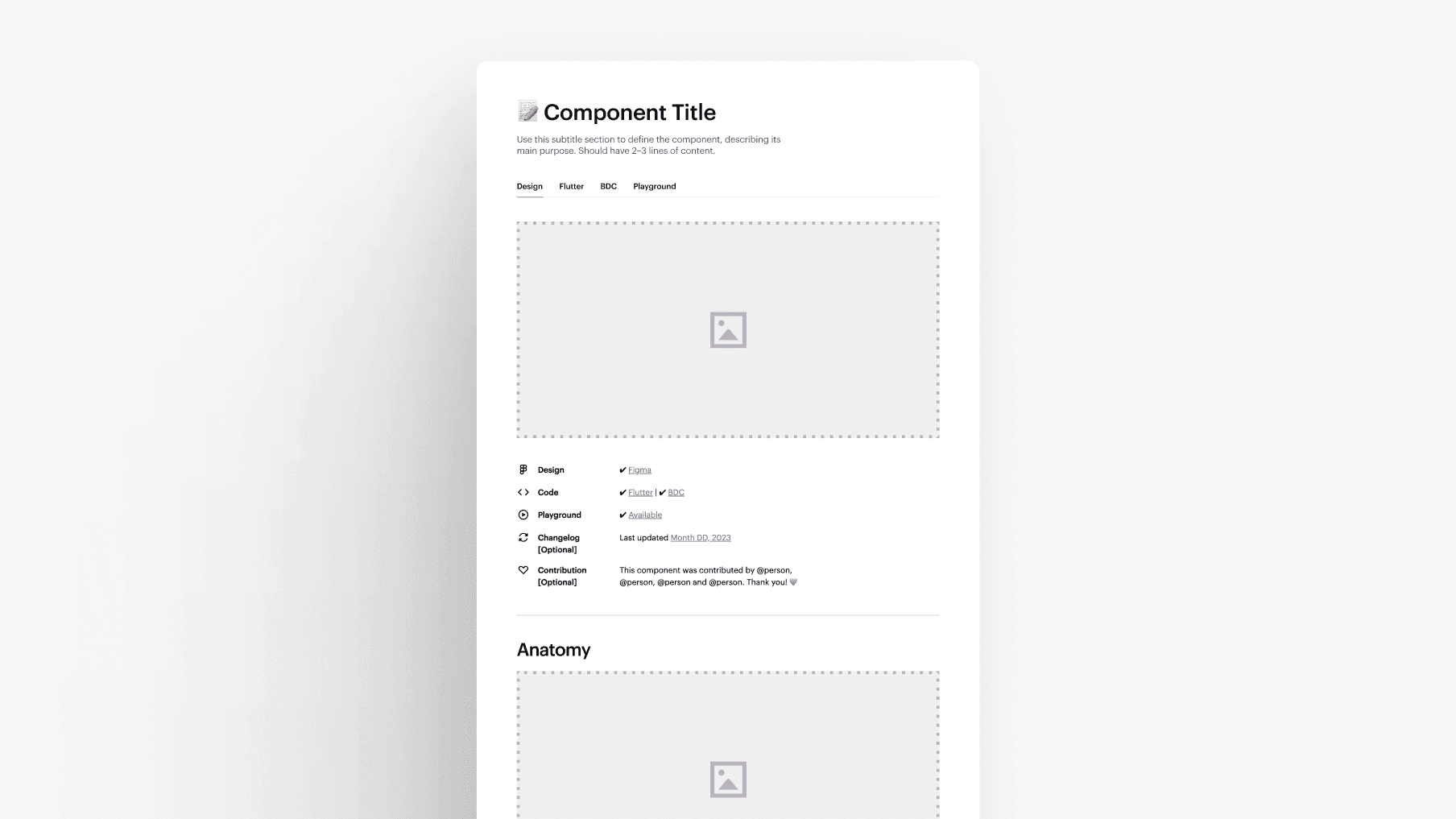
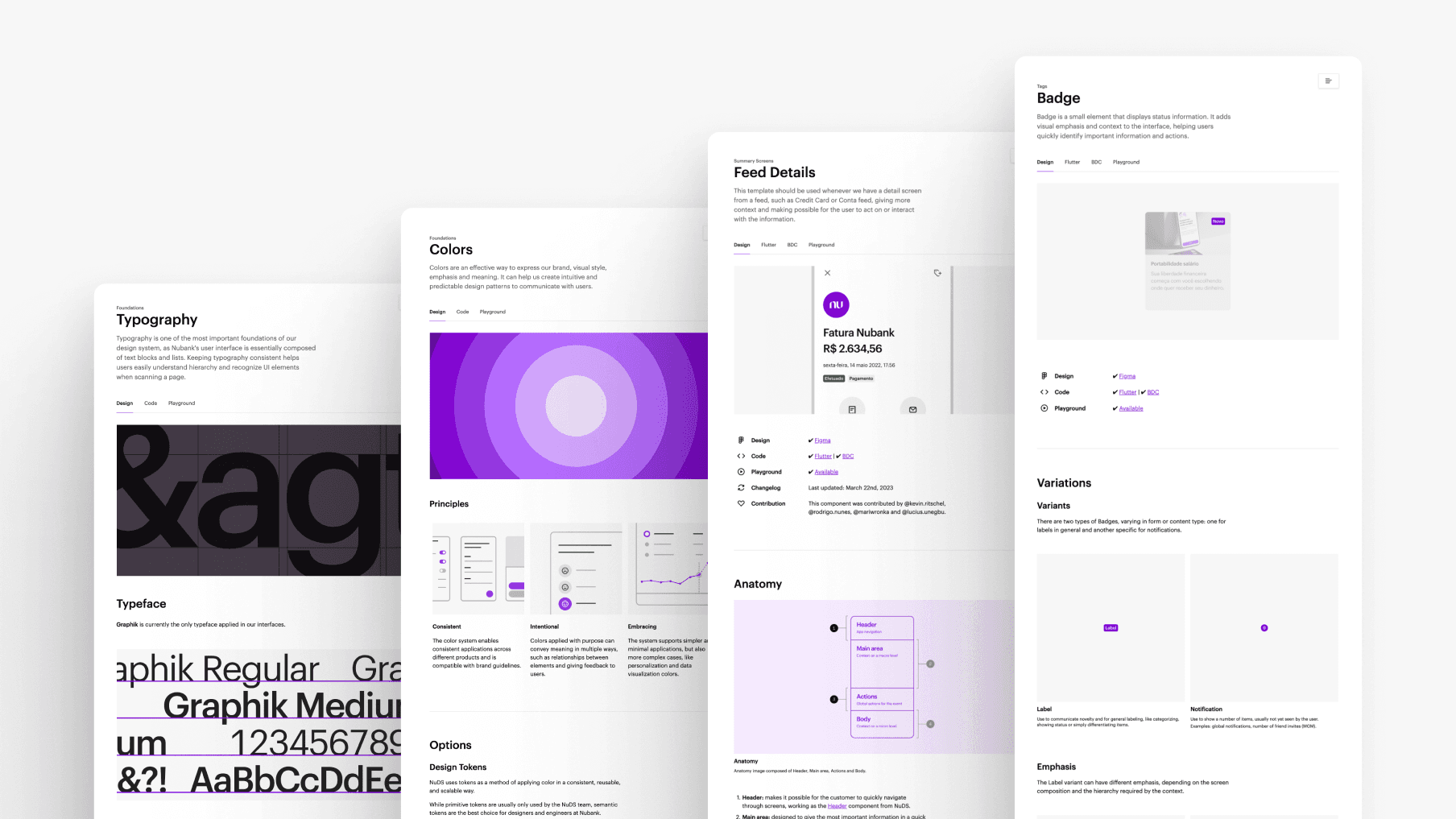
Documentation templates: I created three detailed templates tailored to different documentation types: Foundations, Components, and Templates. Each template includes suggested sections and subsections, as well as descriptions and placeholder assets that can be quickly replaced with actual content.
Mini template: reduced generic version, with only some essential sections, designed for faster starts on smaller pages that could be expanded over time.
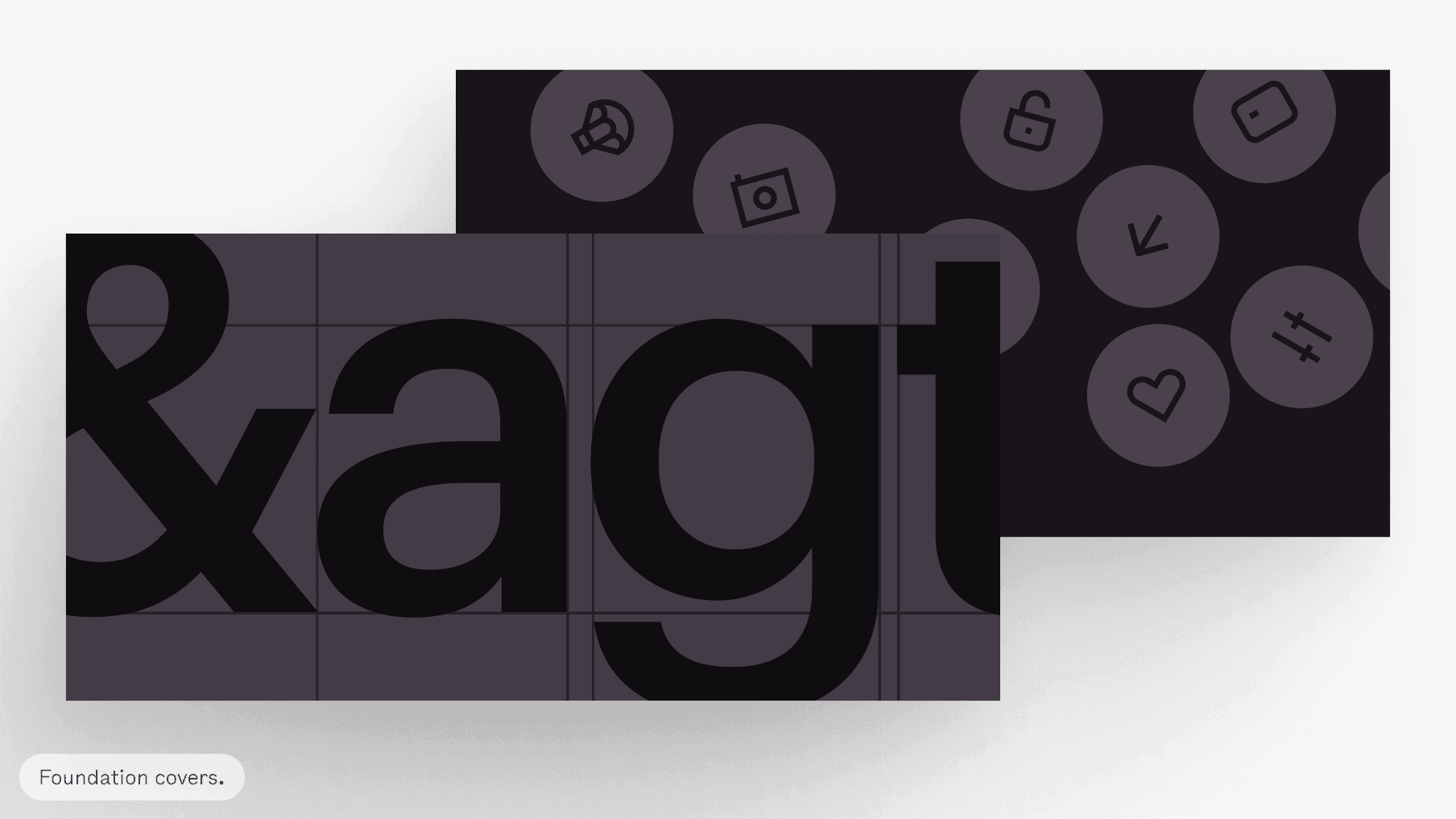
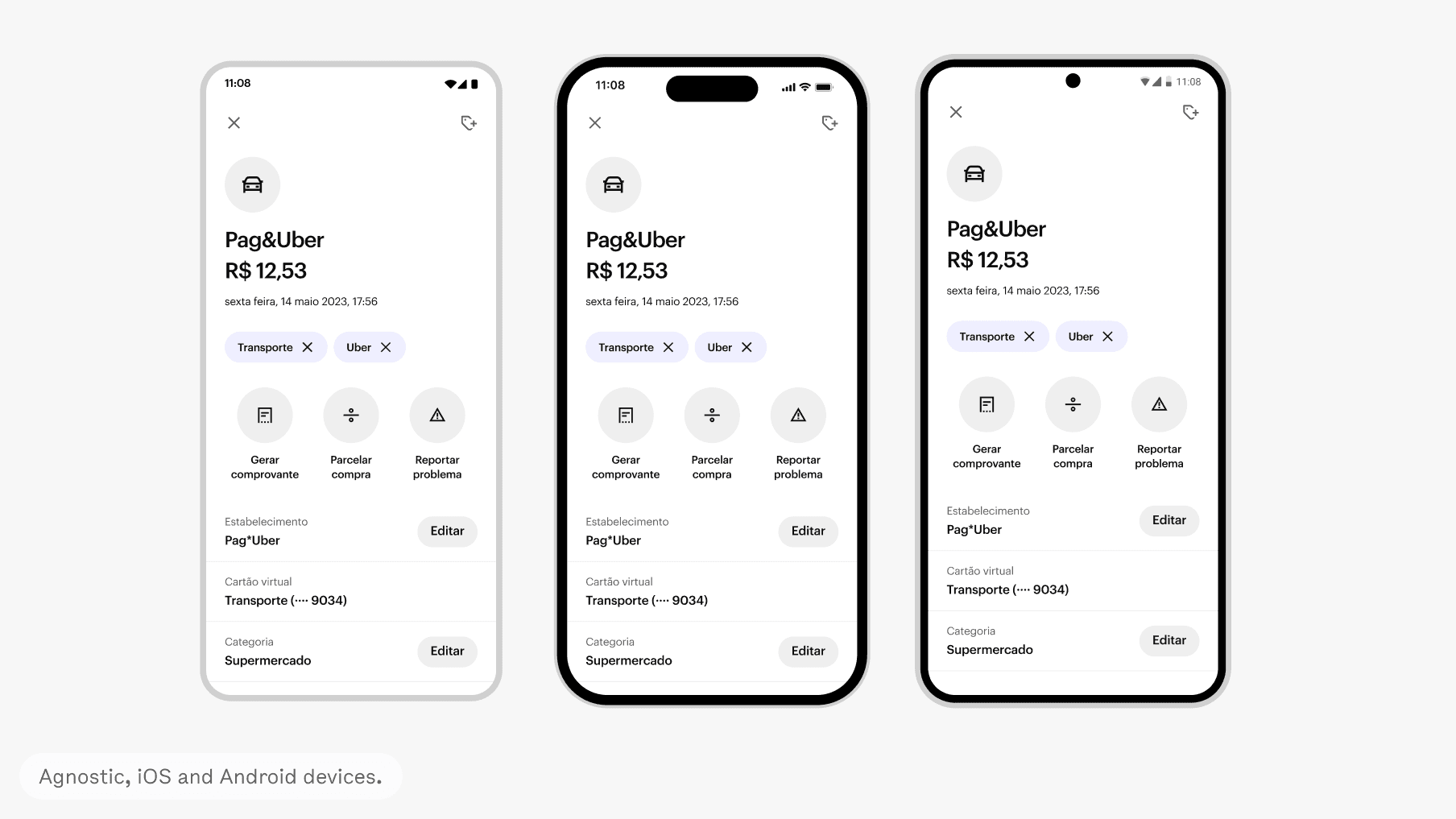
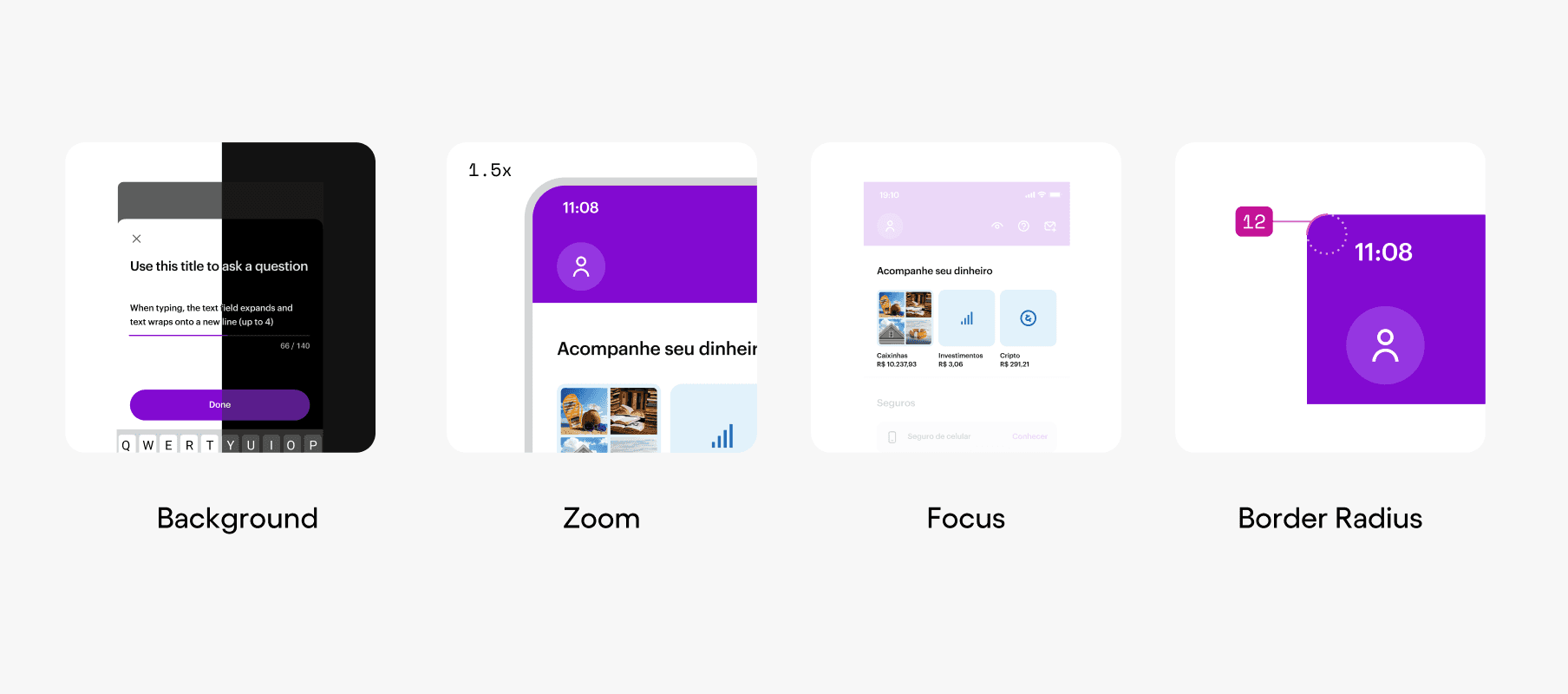
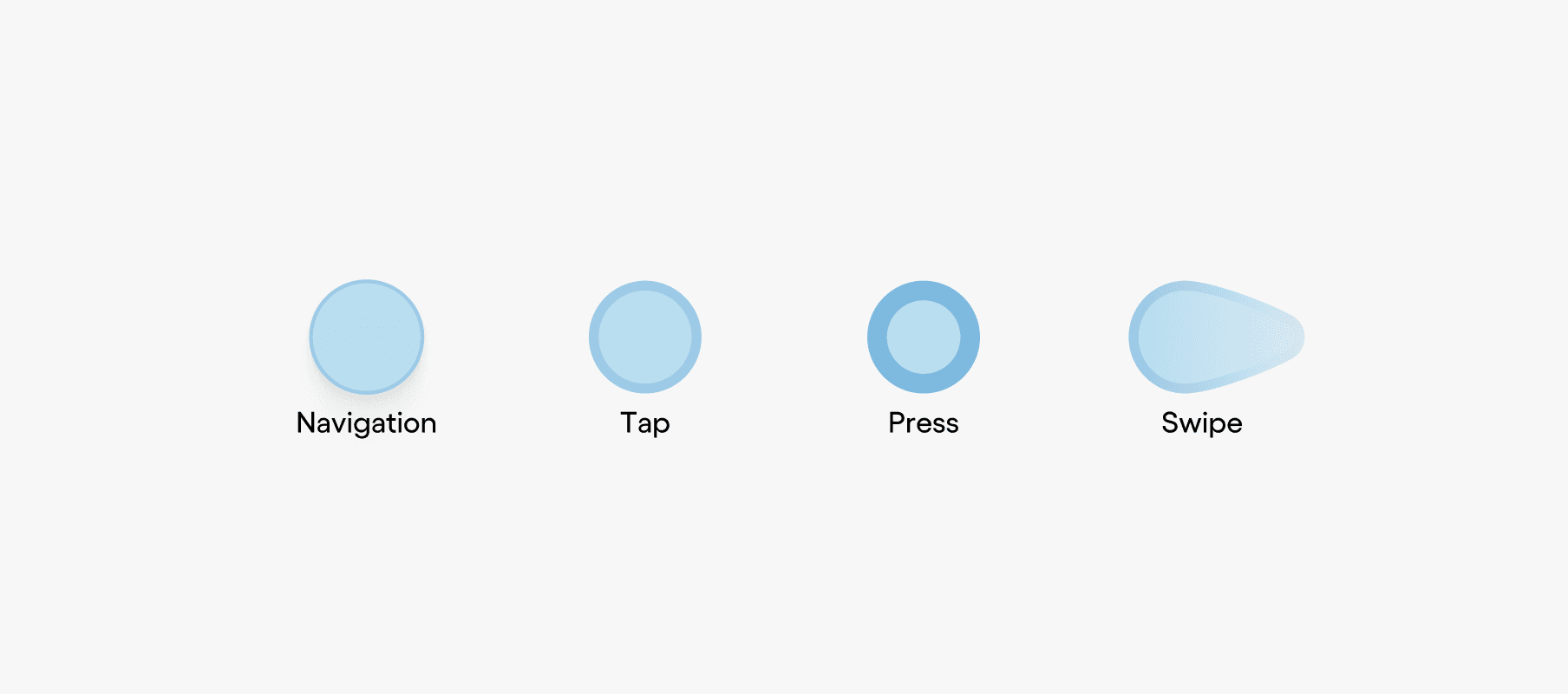
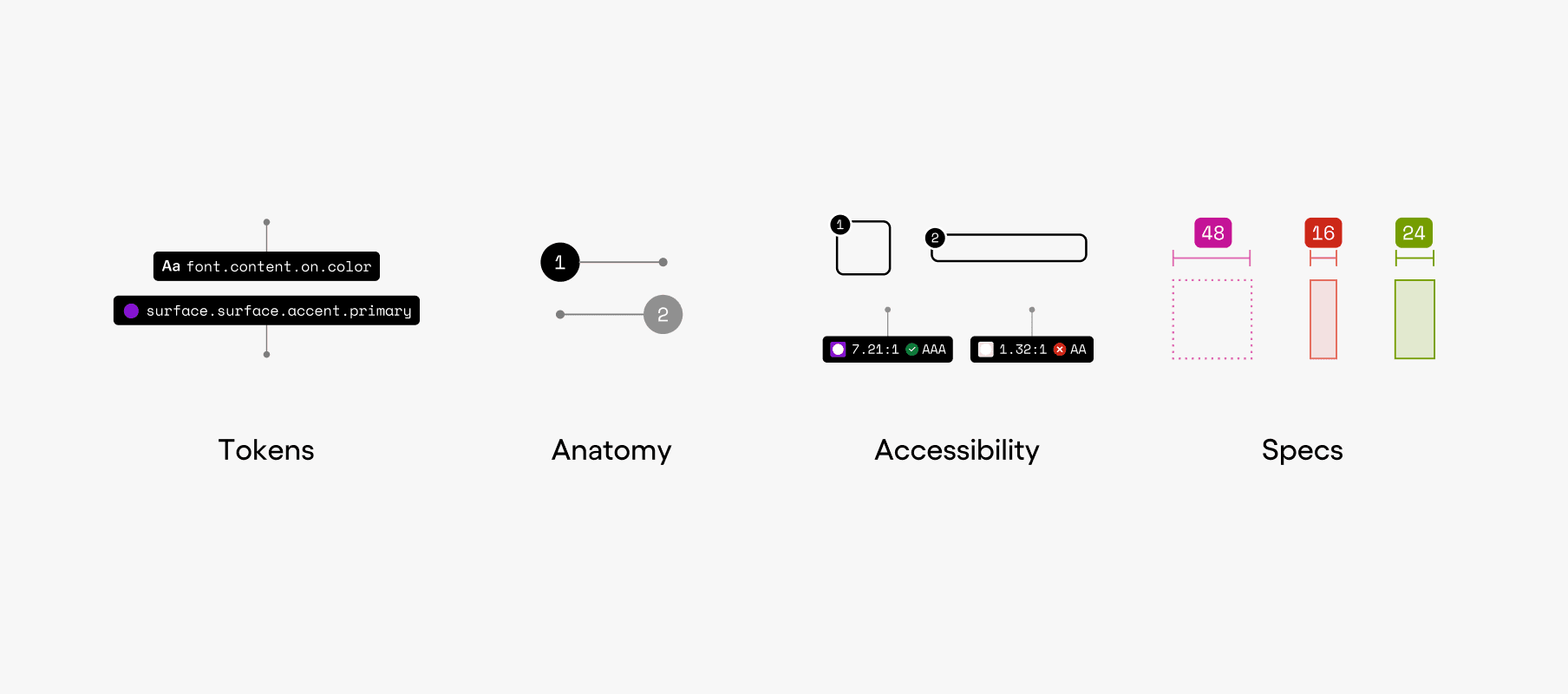
Image standards: designers in the NuDS team copied each other images to upload in the doc, but that's not scalable at all. So I standardized visual assets to improve scalability and consistency, including:
Device mockups for Agnostic OS, iOS and Android;
Gestures: Navigation, Tap, Press, Swipe;
Definitions for how to represent Zoom, Focus, and Border Radius;
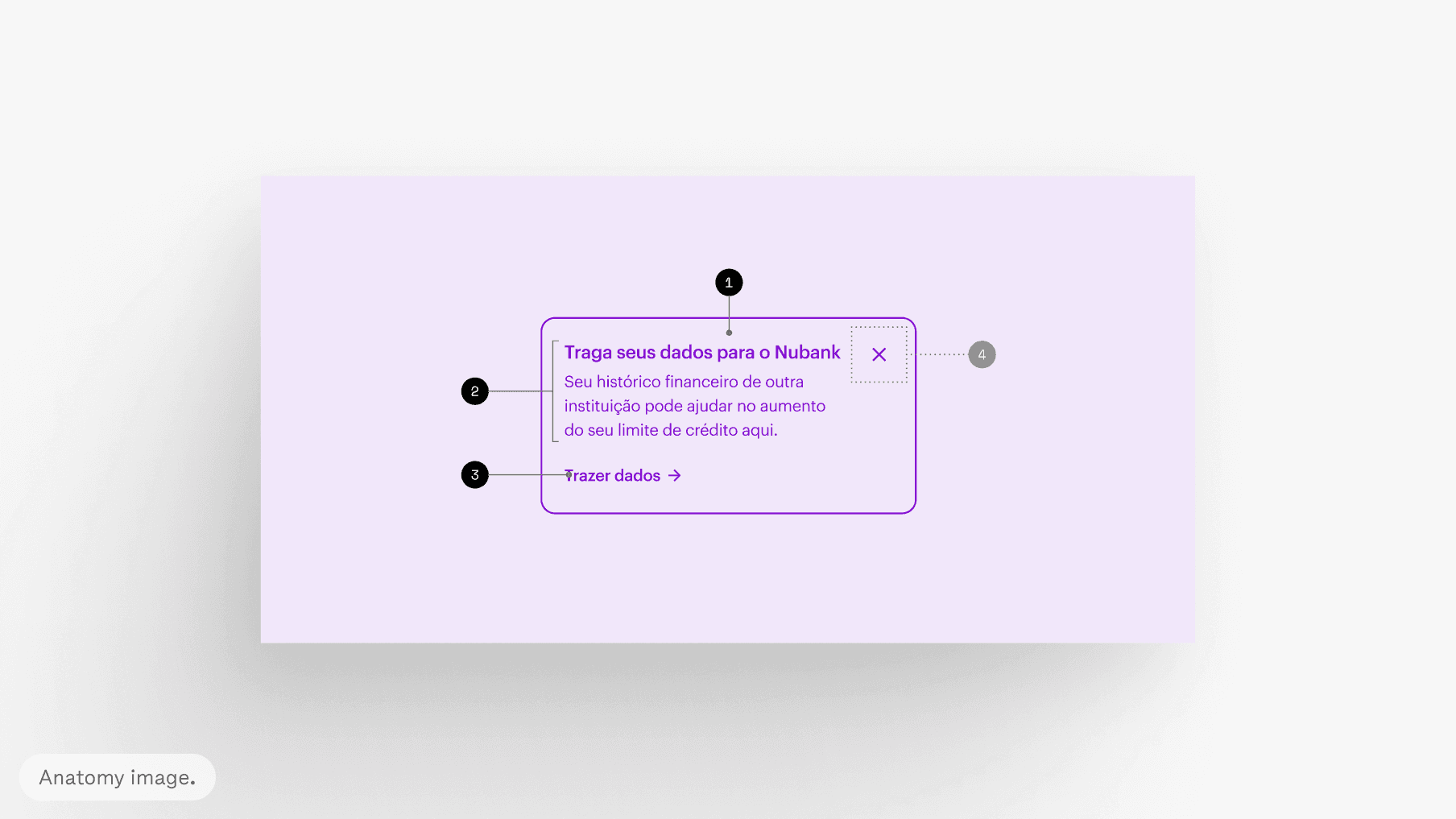
Pointers: Tokens, Anatomy, Accessibility, Specs;
Specific image types, such as Covers and Anatomy.
Impact
Implementation and adoption: 100% of the documentation pages now use the templates, and 74% of the pages currently use the image standards.
Task execution time: I tested the mini template on a new Badge component page and tracked the time it took to create the full page from start to finish. The process took just 4 hours, 80% less than it took for a page of the same complexity.
Contribution time: as a consequence of the above metric, the use of templates allowed a 11% reduction in the average contribution time of components and templates, enabling teams to document more effectively, not only the NuDS team.
Credits
Year: 2023
Product & Strategy: Diogo Cabral, Zé Zorzan
Design: Zé Zorzan
Latest work
Hi! 👋🏼
My name is Zé Zorzan.
I'm a Systems Designer helping shape Nubank's Design System.